Introduction
No-shows and last-minute cancellations are a persistent challenge for dental clinics and many healthcare providers. Each missed appointment not only disrupts the daily schedule but also leads to wasted staff time and lost revenue. For busy clinics juggling dozens of bookings per day, managing appointment confirmations manually can become overwhelming.
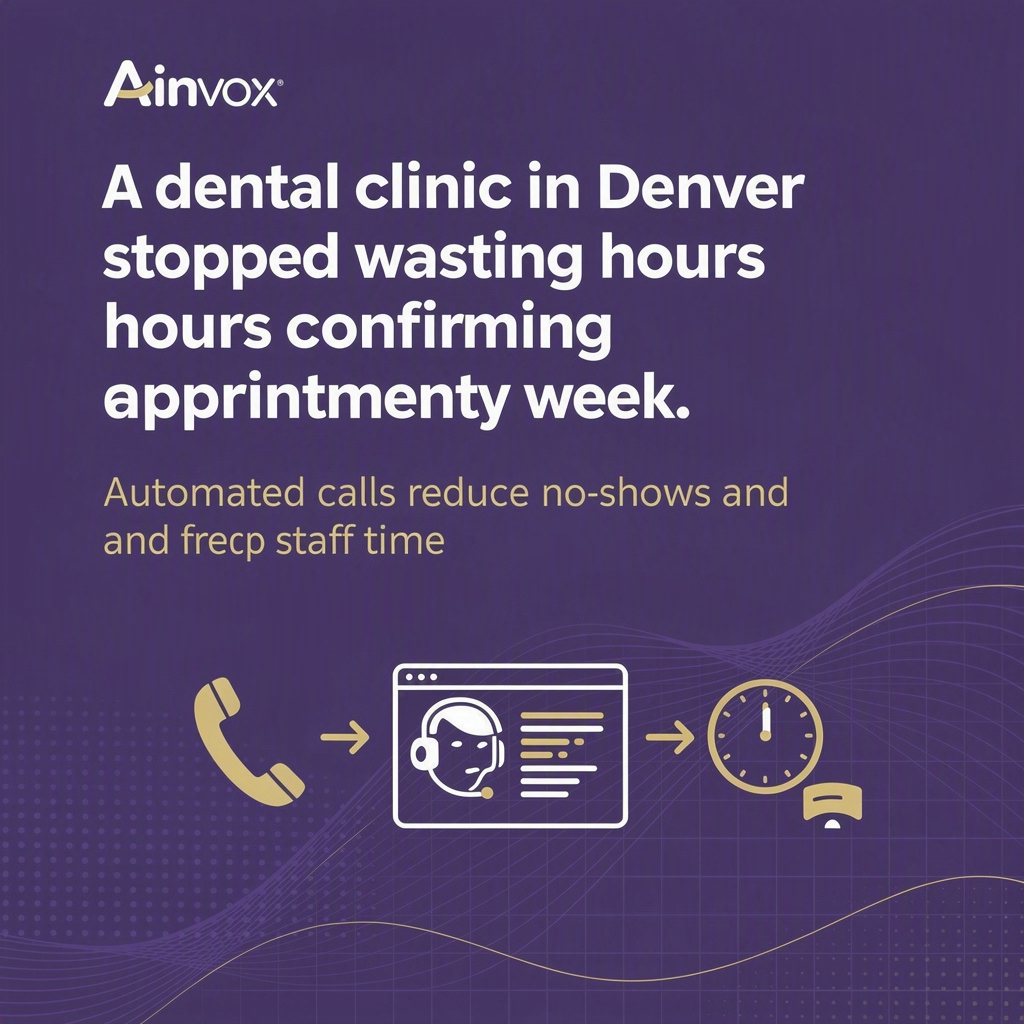
Take Bright Smile Clinic in Denver, for example. They struggled with frequent no-shows that interrupted their workflow and required receptionists to spend hours making reminder calls, pulling their focus away from patient care. This is a common pain point among clinics striving to balance patient engagement with operational efficiency.
Automated reminder calls offer a streamlined approach to this problem—helping reduce no-shows and freeing up valuable staff time. This article explores how these tools work, real-world examples, and practical advice for clinics looking to optimize their appointment management.
The Problem in Detail
- High no-show rates: Missed appointments disrupt daily schedules, causing gaps that decrease productivity and revenue.
- Time-consuming manual reminders: Staff spend hours each week making calls or sending messages to confirm appointments.
- Last-minute cancellations: These leave little chance to fill the slot, resulting in lost opportunities.
- Negative patient experience: Patients forget or miss appointments without timely reminders, affecting the practice’s reputation.
- Staff burnout and distraction: Receptionists switching between clinical duties and administrative calls lowers overall efficiency.
The Solution
Automated reminder calls provide an effective way to tackle appointment no-shows without adding to staff workload. These systems place pre-scheduled calls to patients before their appointments, delivering clear reminders and offering options to confirm or reschedule. The process requires minimal human intervention once set up.
This approach ensures patients receive timely notifications with ease, improving attendance rates. By automating reminders, clinics reduce the frequency of no-shows and cancellations, thereby keeping calendars full and predictable.
Moreover, receptionists and front desk teams can devote more time to direct patient care and other essential tasks, rather than spending hours chasing down confirmations. This boosts overall clinic productivity and enhances both patient and staff satisfaction.
Real-World Scenarios
- Dental Clinic: Like Bright Smile Clinic in Denver, a dental office uses automated reminder calls to cut no-shows by over 30%. This allows dentists and hygienists to maintain a steady workflow and reduce downtime caused by empty appointment slots.
- Physical Therapy Center: A physical therapy practice sends automated calls 24 hours before each session, giving patients the chance to confirm or reschedule. This reduces last-minute cancellations and helps therapists manage their schedules more effectively.
- Veterinary Clinic: A busy veterinary hospital uses reminder calls to confirm pet check-ups and vaccinations. Automated call confirmations prevent no-shows, ensuring pets get timely care and the clinic sustains optimal appointment capacity.
Who This Helps
- Dental Clinics: Manage high volumes of appointments and reduce patient no-shows effortlessly.
- Medical Practices: Keep physician schedules on track and improve patient communication.
- Therapy and Rehabilitation Centers: Ensure clients attend recurring sessions by providing timely reminders.
- Veterinary Clinics: Maintain consistent appointment flow for pet care services.
- Small Healthcare Businesses: Save staff time and reduce administrative burdens through automation.
Actionable Advice
- Assess your no-show rate: Track how many appointments are missed weekly to understand the impact on your practice.
- Choose reminder timing wisely: Schedule automated calls at optimal times, such as 24-48 hours before appointments, to give patients enough notice.
- Provide clear options: Allow patients to confirm, cancel, or reschedule directly through the call to simplify the process.
- Integrate with scheduling software: Use a system that syncs with your calendar to automatically update appointment status based on patient responses.
- Monitor and adjust: Regularly review call effectiveness and make adjustments to message content or timing as needed.
FAQs
How quickly can automated reminder calls be set up?
Most platforms can be set up within a few days to a week, depending on integration needs. Once connected to your scheduling system, automated calls can begin immediately, offering rapid improvement in appointment confirmations.
Will automated calls be intrusive or annoying to patients?
Automated calls are designed to be short, polite, and convenient. Patients appreciate timely reminders that help them avoid missing appointments, especially when calls offer easy options to confirm or reschedule.
Do these systems integrate with existing clinic scheduling software?
Yes, many automated reminder call services integrate seamlessly with popular scheduling platforms, allowing real-time updates to appointments and minimizing manual data entry.
What is the typical cost structure for automated reminder calls?
Pricing often depends on call volume and features but generally follows a pay-as-you-go or subscription model. Investing in automation usually results in savings by reducing no-shows and lowering staff labor costs.
Can automated calls help reduce last-minute cancellations?
Absolutely. Since patients receive reminders well ahead of their appointments, they have time to reschedule if needed, which decreases last-minute cancellations and keeps the schedule more reliable.
Conclusion
Automated reminder calls offer a straightforward and effective solution to the common challenge of appointment no-shows and cancellations. By improving patient communication and freeing staff from manual reminders, clinics can maintain fuller schedules and focus more on delivering quality care.
If you’re looking to save time and reduce missed appointments, consider exploring automated reminder call solutions tailored to your clinic’s needs. When you’re ready, a simple demo can show how this technology fits into your workflow without disruption.